FR EN
Download
KeyDate
Public Beta

KeyDate

The date in every app!
Without ever lifting your hands from the keyboard.

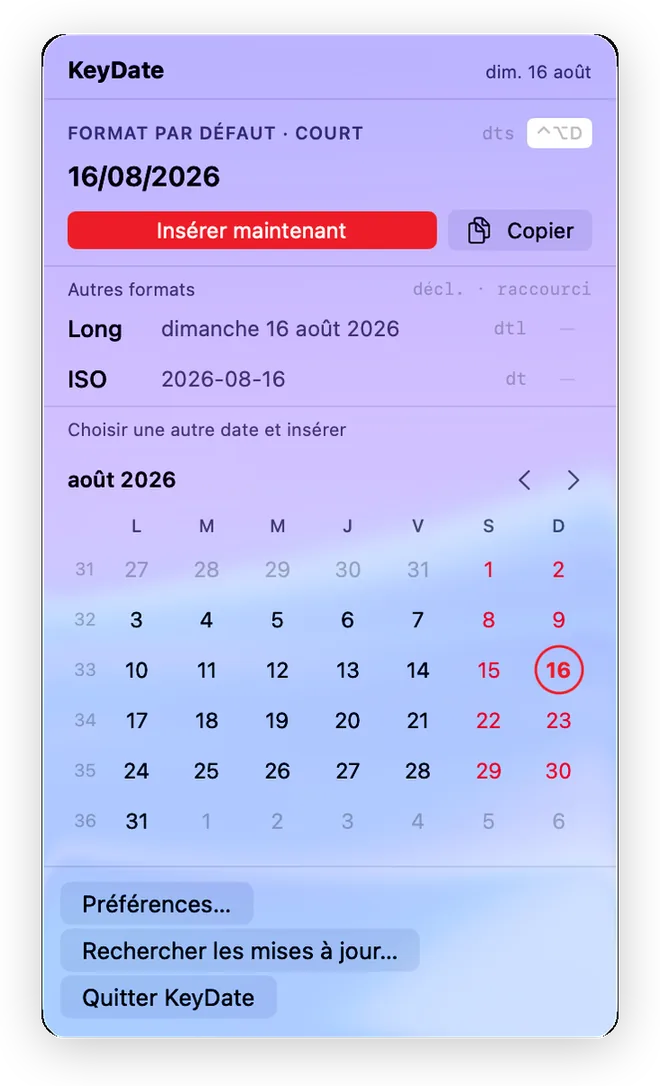
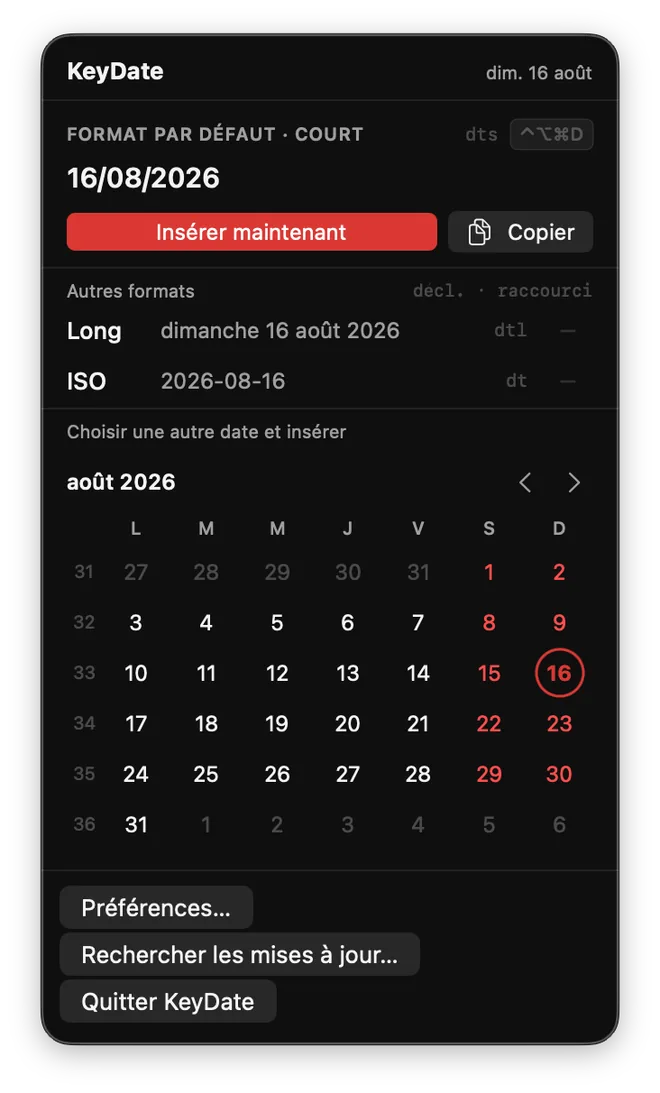
KeyDate in the macOS menu bar — popup with date formats and mini calendar
Finder File Edit View 8:49 PM KeyDate ⊞ 🔋 🔍 2026-03-28 — Team Meeting Aa ☰ ⊡ 2026-03-28 – Team Meeting… 8:39 PM Attendees: Sarah, Marc… Project v2.1 notes Yesterday Q2 calendar review… Q2 communications budget 03/24 Final presentation… March 28, 2026 at 8:39 PM 2026-03-28 - Team Meeting Attendees: Sarah, Marc, Julie Topics covered: • Project v2.1 progress • Q2 calendar review • Communications budget KeyDate β Today Short 03/28/2026 dts Long Saturday, March 28, 2026 dtl ISO 2026-03-28 ⌃⌥⌘T Custo… 03/28/2026 dts Pick a date March 2026 < > M T W T F S S 1 9 10 2 3 4 5 6 7 11 9 10 11 12 13 14 12 16 17 18 19 20 21 13 23 24 25 26 27 28 29 14 30 31 Preferences… Quit KeyDate

Three seconds. Zero interruption.

KeyDate fits seamlessly into your workflow — no window to open, no mouse to reach for.

1

Type your trigger

In any application, type your chosen abbreviation (dts by default, but you can use anything you like) followed by a space.

Meeting on dts|
2

The date is inserted

KeyDate instantly replaces the trigger with today's date in the format you've chosen.

Meeting on 03/28/2026|
3

Keep on typing

You never broke your flow. No window, no click, no copy-paste. The cursor stays exactly where it was.

Meeting on 03/28/2026 — agenda|

Three ways to insert a date.

Pick the method that fits your workflow — or use all three.

macOS keyboard

Text trigger

Choose your own abbreviations in Preferences — dts, ddd, //d, or anything you like. Avoid common words: pick a sequence you'd never type by accident.

dts → 03/28/2026
ddd → Saturday, March 28, 2026
//d  → 2026-03-28
These are example abbreviations — you choose your own.
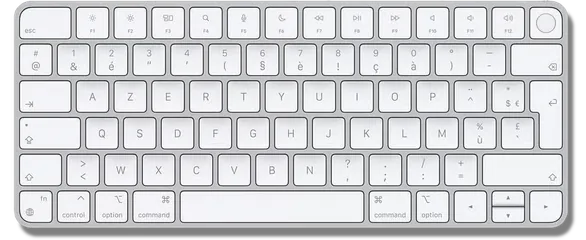
ctrl opt D inserts the date

Global keyboard shortcut

No shortcut is forced on you. Assign whichever combination you prefer — per format, per app, however you work. Works everywhere, even where text triggers don't.

D  → 03/28/2026
L  → Saturday, March 28, 2026
Your choice — a different shortcut per format.
MARCH 2026 W. M T W T F S S W9 1 W10 2 3 4 5 6 7 8 W12 16 17 18 19 20 21 22 W13 23 24 25 26 27 28 29 W14 30 31

Mini calendar

Click the menu bar icon: the month appears with day-of-week columns and week numbers. Instant reference — click any date to insert it.

📅 Days · week numbers · today
Always at hand · past and future · one click = date inserted

Built for keyboard-first professionals.

🗓

Unlimited, customizable formats

Short, long, ISO 8601, or your own template. Every format is fully configurable on demand.

🌐

French / English bilingual

The interface and date formats automatically adapt to your macOS language setting.

🌓

System / Light / Dark appearance

KeyDate follows your Mac's theme, or you can pin it to the appearance of your choice.

Launch at login

Enable it once and KeyDate will always be ready from the moment your Mac starts up.

📅

Calendar always at hand

The menu bar mini calendar shows the days of the week, week numbers, and the current month — instant reference without opening any app.

🔒

100% private

No data collected, no network connection. KeyDate has no internet access whatsoever.

🪶

Ultra-lightweight

A menu bar app with no persistent window. Minimal memory footprint, zero performance impact.

Native macOS

Built with SwiftUI. No Electron, no third-party runtime. Just a real Mac app.

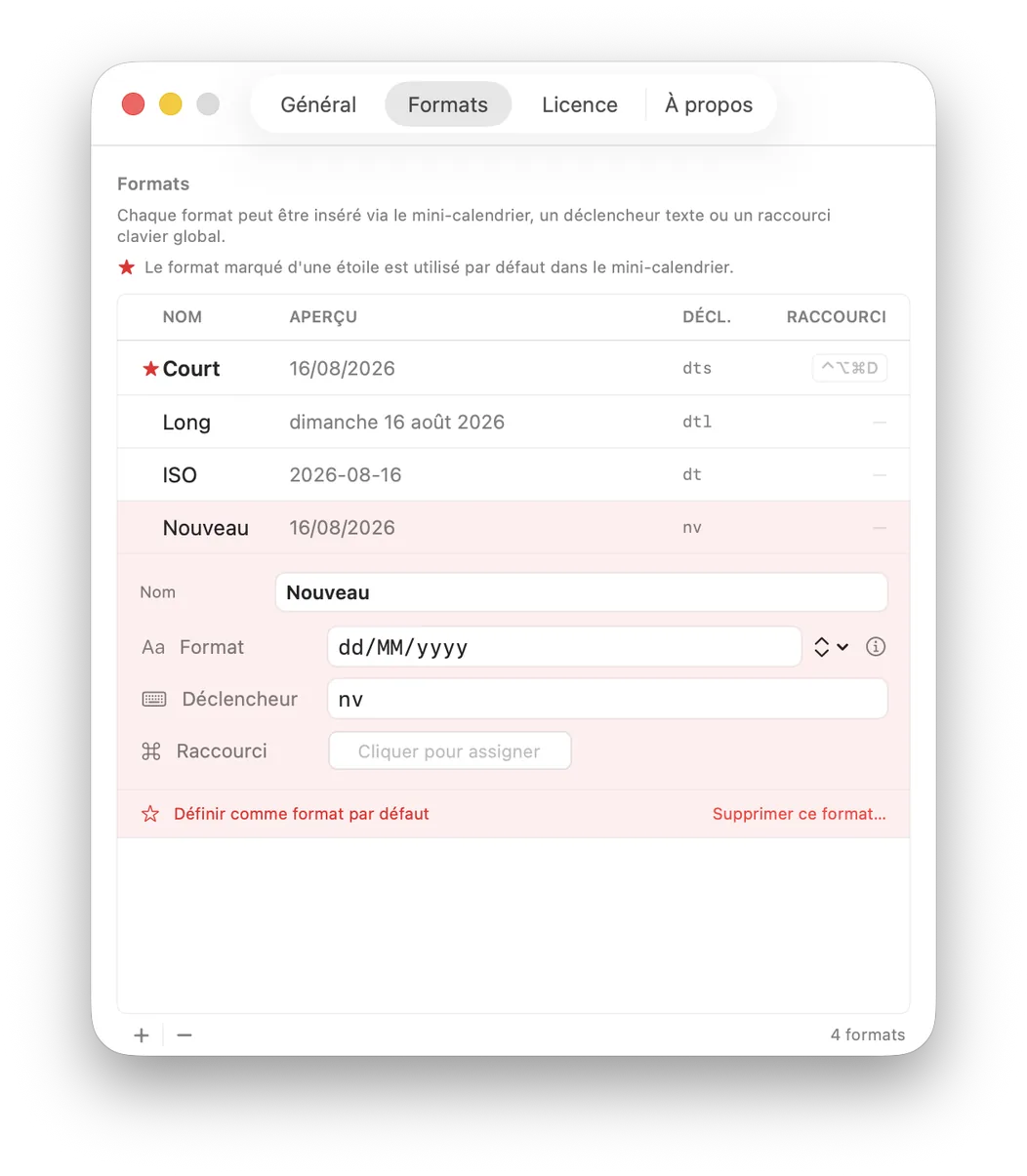
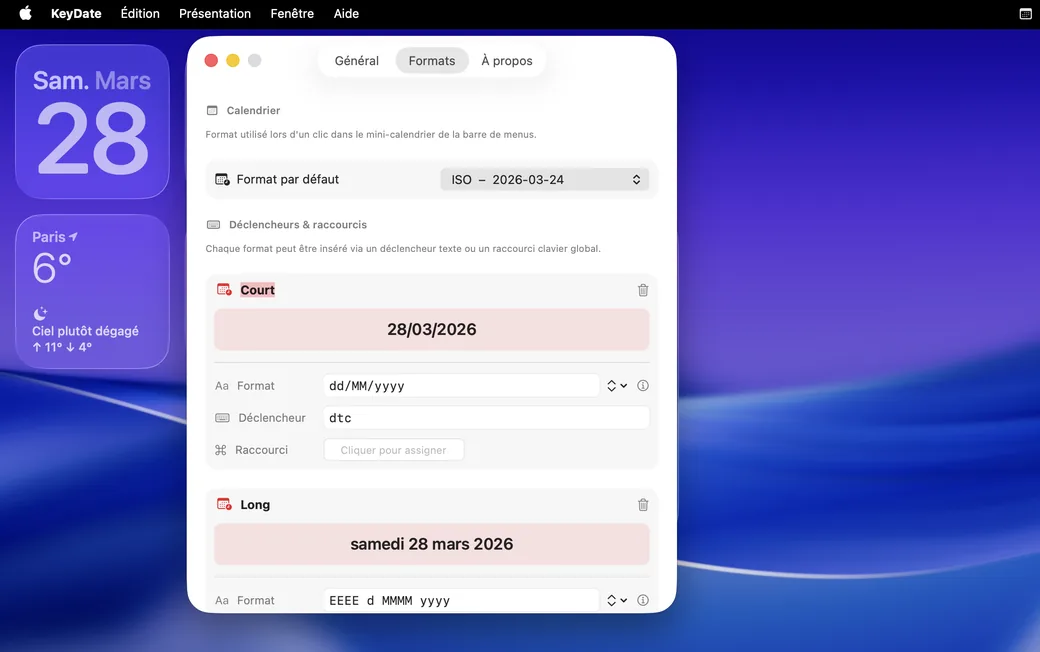
KeyDate Preferences window — Formats tab with dts, dtl triggers and keyboard shortcut

Born from a daily need.

"

In my work, I type today's date constantly — in my notes, at the top of my files. The YYYY-MM-DD format became second nature: files sort themselves into chronological order automatically, without any effort.

For years, TextExpander and then Typinator filled that role perfectly. They're excellent apps. Until the day both switched to a subscription model — for something I use that specifically, it was hard to justify the cost.

The idea came naturally: what if I built exactly the tool I need — nothing more? Not a Swiss Army knife. Just the date, instantly, in any application.

I also had another, quieter need: a quick glance at a mini calendar with week numbers. The excellent Dato did that very well. So I figured I'd combine both into one lightweight app.

KeyDate is the result: an app with no subscription, no fluff, that does exactly what it needs to. I hope you enjoy it!
KeyDate
Version 0.9 beta

Try KeyDate for free.

Available now in public beta.
Free, no account, no subscription.

↓  Download for macOS
Requires macOS 13 Ventura or later
Compatible with Apple Silicon (M1/M2/M3/M4) and Intel  ·  2.9 MB
Beta expires May 20, 2026. A new version will be available for download before that date.

🔐 First launch — unsigned app (outside the App Store)

macOS will block the launch and show a security alert. This is normal for apps distributed outside the App Store. Here's how to allow it:

  1. In the alert, click Done
    ← not "Move to Trash"!
  2. Open System Settings and search for Gatekeeper
  3. Under Privacy & Security, you'll see the message "KeyDate was blocked"
  4. Click Open Anyway and confirm

✓ This step is only required once.

macOS alert — KeyDate item not opened
Click Done, not "Move to Trash"
System Settings — Privacy & Security — Open Anyway
Then Open Anyway in System Settings